Sign in to Cubbit Composer
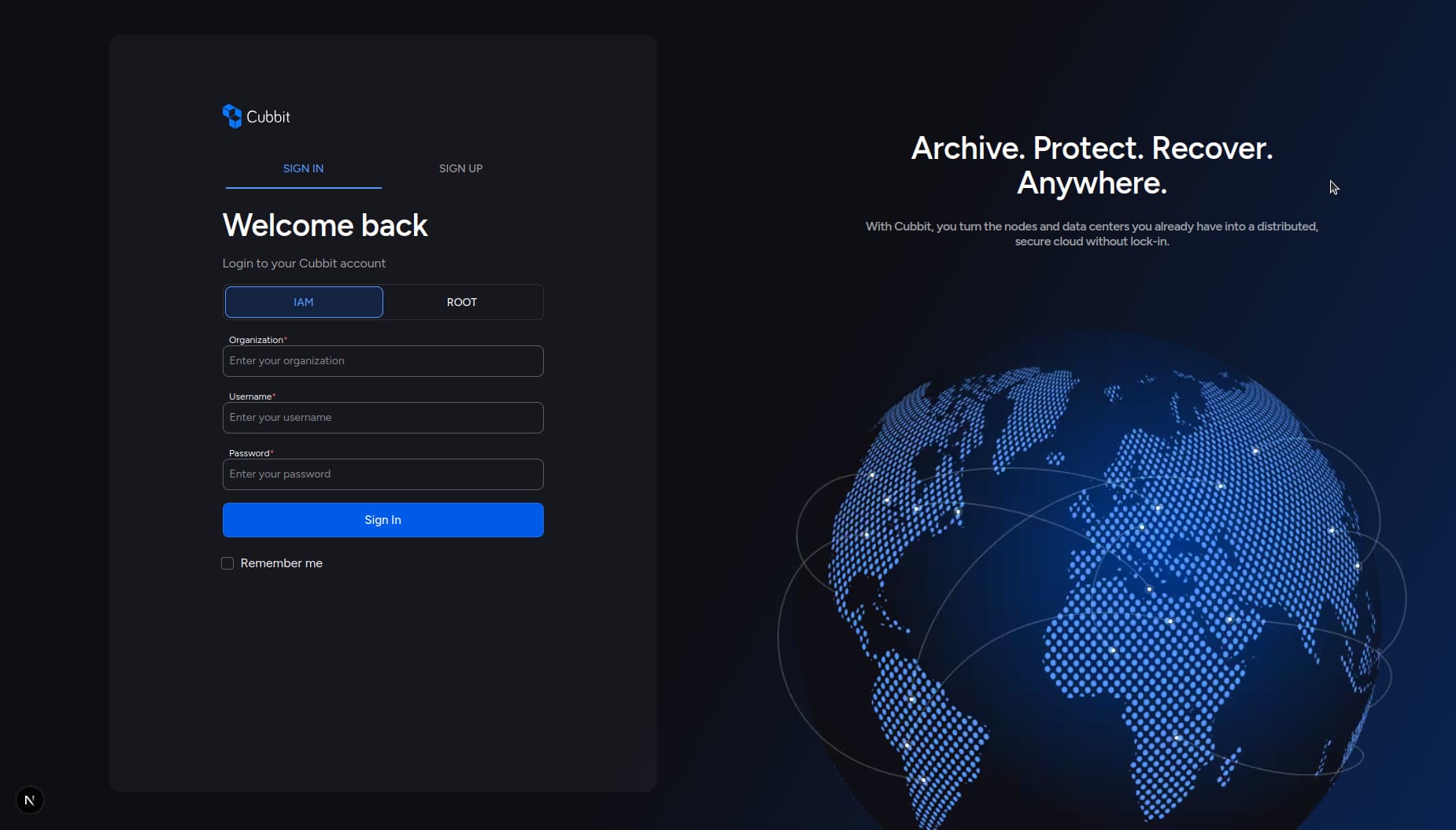
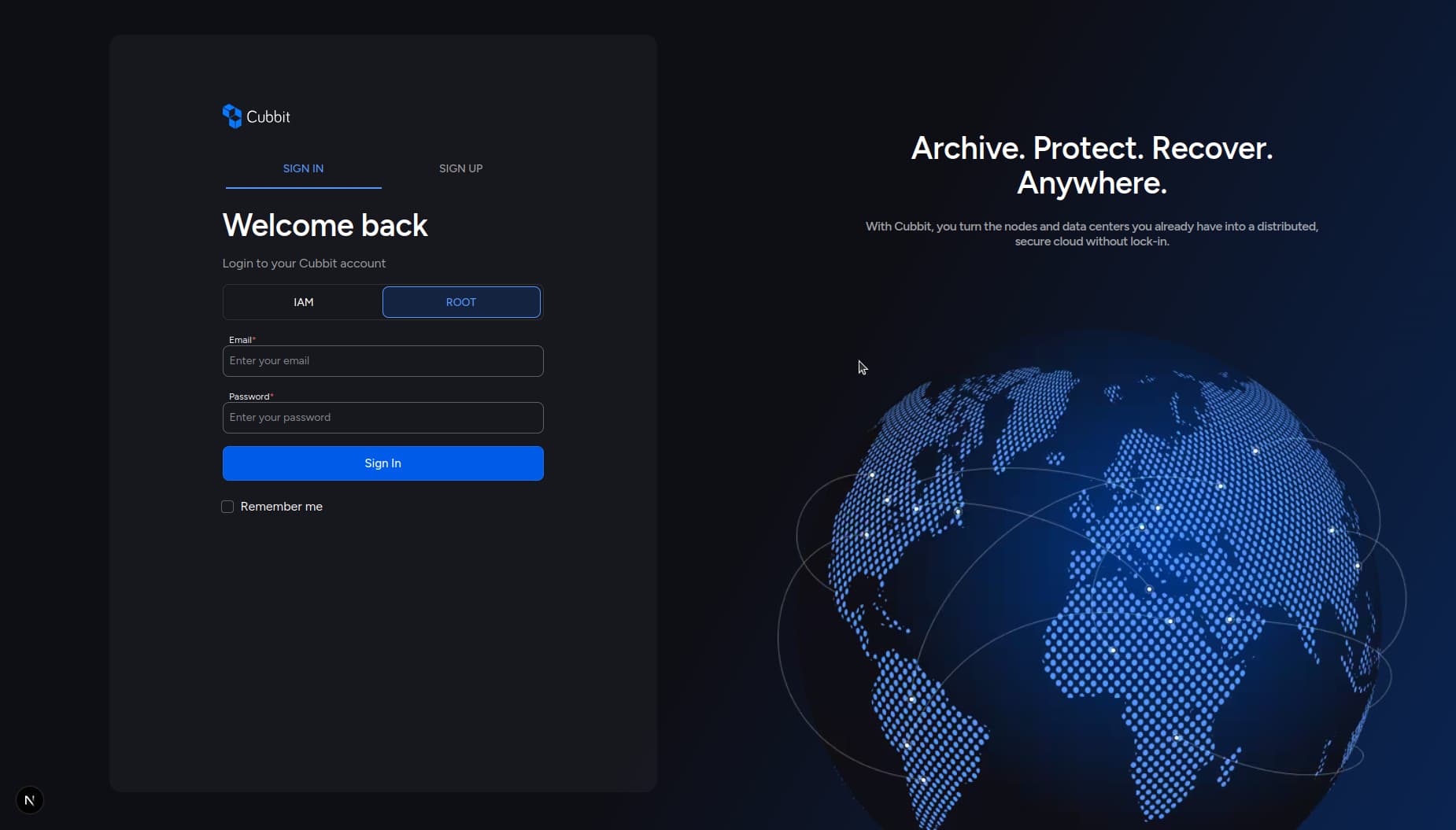
To access the Cubbit Composer dashboard, use the sign-in page, which offers two separate tabs depending on your user type:
IAM User Sign In
Use the IAM tab to sign in as an IAM user (invited to an organization by an admin). Note: Root users can also access the dashboard as IAM users by providing the required IAM credentials.
Required fields:
- Organization Name: The name of the organization you belong to.
- Username: Your IAM username, provided by your admin.
- Password: The password set or provided by your admin.
- Remember Me (optional): If checked, you will stay signed in until you log out. If not checked, your session will last 8 hours.
Root User Sign In
Use the Root tab to sign in as a root user.
Required fields:
- Email: Your root account email address (must be verified).
- Password: Your root account password.
- Remember Me (optional): If checked, you will stay signed in until you log out. If not checked, your session will last 8 hours.
After successful sign in, you will be redirected to the dashboard.